 Boundaries
Defining the Remote Boundary
Operational principles for isolating local compute processes from hosted remote desktop sessions without breaking cognitive context.
Explore remote-work cases involving displays, files, local printing, peripherals, and the boundary between local and remote context.
Select a system channel to examine boundary isolation, transmission behavior, and memory persistence across sessions.
Provides raw display rendering, keyboard/mouse input transmission, and network bridge without persistent local caching of remote data assets.
Executes applications, computes heavy processes, and retains full state persistence regardless of network disruptions or client logoffs.
Establishing an explicit host boundary prevents context fragmentation. Keep heavy runtime executions strictly remote while utilizing local computational power strictly for stream decoding and responsive interface rendering.
Manage plaintext versus rich-text copy buffers to avoid inadvertent data leakage between personal and corporate application states.
Prefer deliberate chunked file movement protocols over transparent folder mounting to preserve network throughput and clear ownership tracking.
Uncontrolled file transfers create version confusion. Maintain an immutable single-source-of-truth directory on the remote host and transfer only finalized export artifacts.
Direct monitor-to-monitor physical alignment ensures application windows remain on intended displays without repositioning glitches upon reconnection.
Prevent UI scaling blurriness by standardizing remote rendering factors across disparate client screen sizes and aspect ratios.
Maintaining dual monitors remotely requires calculated video encoder bandwidth allocation. Preserve desktop spatial memory by assigning static virtual monitor indexes.
Local cursor rendering eliminates visual lag for fast mouse movement, while relative coordinate tracking accommodates creative canvas navigation.
Passthrough USB drivers transfer pressure sensitivity and hardware hotkeys for digital art and CAD modeling without local emulation loss.
Input latency breaks tactile focus faster than visual degradation. Standardize polling rates and isolate client OS shortcut interception from remote virtual desktop hooks.
Route system audio strictly to client headphones while isolating voice communication tools locally to eliminate recursive echo and jitter.
Render remote documents to temporary PDF streams that invoke local hardware printer drivers without requiring direct corporate network mapping.
Hardware outputs represent the final physical boundary of the digital session. Keep communication channels partitioned to maintain acoustic isolation and document print confidentiality.
Every guide on this site resolves into a single mapping chain: which parts of the working context must travel into the remote session, and which stay anchored to the local machine. Tracing each hop of the chain exposes where state, rendering, and physical output should live.
Maintaining spatial orientation across physical client displays and virtual host desktops requires strict topological mapping. Structuring a multi monitor remote work pipeline prevents application displacement when transitioning between office multi-head setups and mobile single-display clients.
High-throughput data movement balances bandwidth saturation against pipeline latency. Utilizing structured bi-directional file transfer keeps working directories unified without triggering unintended clipboard synchronization locks during large binary handoffs.
Decoupling document generation from local peripheral hardware ensures output integrity. Remote jobs render on the server host and translate into direct print driver streams at the local physical station with strict device containment.
Color calibration, tablet stylus pressure curves, and frame rate stability determine production speed for creative pipelines. Integrating a robust Splashtop remote workflow allows low-latency rendering feeds without loss of pressure accuracy or color gamut profiles.
Configuring unattended persistent hosts enables seamless transitions during hybrid workweeks. Operating uninterrupted pipelines maintains open compiler sessions, window layouts, and localized service daemons ready for rapid reconnect.
Deep architectural analysis of unattended display pipelines under Wayland protocols and remote desktop session boundaries.

Methodological models for managing system credentials, host lock triggers, and long-running processes over remote boundaries.
Detailed practical scenarios demonstrating how to preserve mental state, physical boundary separation, display setups, and data integrity when switching between local hardware and remote sessions.
Navigating dual office display canvases on a single portable laptop screen without window collapse, zoom distortion, or active context confusion.
Printing confidential host documentation onto home hardware cleanly using redirected virtual drivers instead of downloading copies unmonitored.
Evaluating data gravity and version drift before transferring files locally versus processing heavy assets directly within the remote render context.
Handling power state policies, unexpected host reboots, OS lockouts, and unattended session availability across remote enterprise environments.
Preserving complex multi-window CAD, code editor, and spreadsheet states over overnight disconnection without risking unsaved operational progress.
Routing USB keys, audio headsets, microphone inputs, and graphics tablets between client host OS layers without latency spikes or input collisions.
Adapting high-density timeline, palette, and canvas layouts across asymmetric client-host aspect ratios to retain precision creative momentum.
The local laptop acts as the primary capture surface, handling low-latency peripheral translation and display scaling before transmitting frame packets into the active Splashtop remote workflow.

Achieving uninterrupted productivity requires structured isolation between client peripherals and the host compute cluster. Operating across extended screens necessitates dedicated multi monitor remote work mapping to maintain aspect precision.
Native background file transfer operates on an isolated spooler channel without throttling viewport render rates.
Structuring local-to-remote transitions around context preservation eliminates workflow disruption, prevents cognitive friction, and secures session boundaries without compromising execution speed.
Retain exact application states, terminal buffers, and multi-window positions so transitions from physical workstations to remote streams require zero reconfiguration time.
Ensure local peripheral inputs, personal memory stores, and background applications never leak into enterprise host environments through strict boundary mapping.
Operate across complex multi-monitor setups without spatial disorientation, mismatched DPI scaling, or lost cursor focus between host and client canvases.
Configure frame pacing, network buffers, and input pipelines to eliminate tactile lag, preserving precise tactile feedback for precision workflows.
Eliminate accidental overwrites and unauthorized credential scraping with bidirectional sanitization rules for cross-boundary data copy operations.
Establish persistent background execution channels that withstand intermittent network disruptions without dropping session state or locking assets.
Transitioning between local hardware and remote sessions often causes fragmented clipboard data, misaligned display scaling, and peripheral drops. Receive our comprehensive diagnostic matrix and structured transition protocols directly to your inbox.
Step-by-step layout configurations for resolving scaling mismatches across hybrid workstations.
Deterministic rules for audio redirection, printer tunneling, and clean boundary separation.
A 12-point verification guide to audit unattended access stability before heavy production days.
Fill out the form below for immediate download access.
We provide vendor-neutral methodology guides for structured remote sessions, not vendor tech support or SaaS monitoring dashboards.
Boundaries
Operational principles for isolating local compute processes from hosted remote desktop sessions without breaking cognitive context.
 Hardware
Managing redirection protocols, custom input bindings, and latency offset strategies for local keypads and pointing devices.
 Displays
Multi-monitor topology mappings, viewport resolution parity, and window orchestration during multi-screen remote access.
 Workflows
Bridging document queues, spooler isolation, and virtual driver mapping between remote host instances and local printer hardware.
 Workflows
Techniques for maintaining color fidelity, stylus pressure curve accuracy, and high-framerate responsiveness for media work.
 Workflows
Systematic diagnostics for eliminating jitter, cursor lag, and packet loss across fluctuating wide-area network connections.
 Protocols
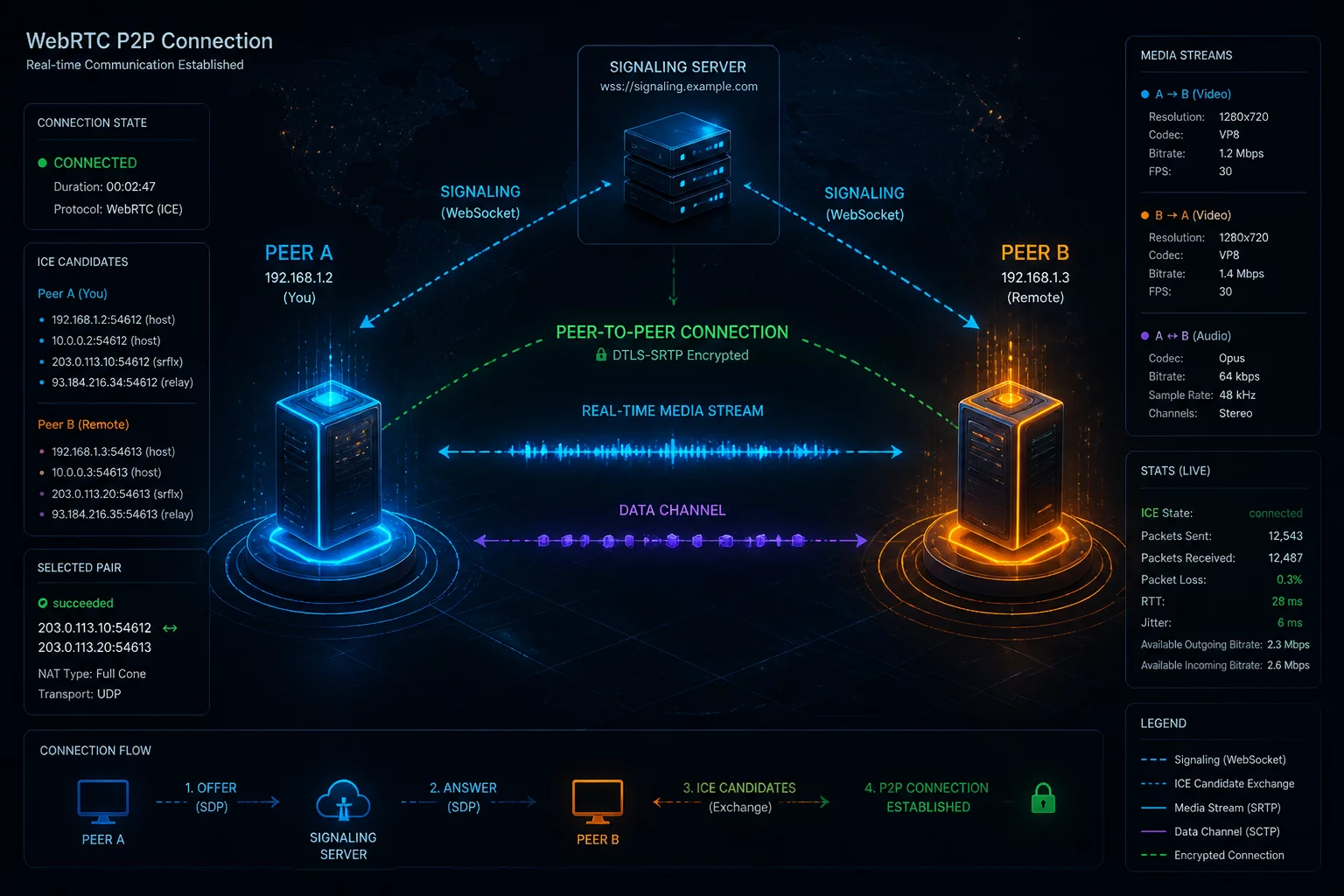
Analysis of peer-to-peer WebRTC pipelines in headless setups, covering network boundaries and input synchronization across remote endpoints.
 Operations
Operational structuring of centralized ticketing, remote context continuity, and unattended intervention protocols for distributed workforces.
 AI & Sync
Assessing background telemetry, cloud knowledge graphs, and local document awareness across fragmented workplace instances.
 Audio
Audio
Routing virtual audio devices, isolation drivers, and channel filtering between local operating systems and remote conference spaces.
 Integrations
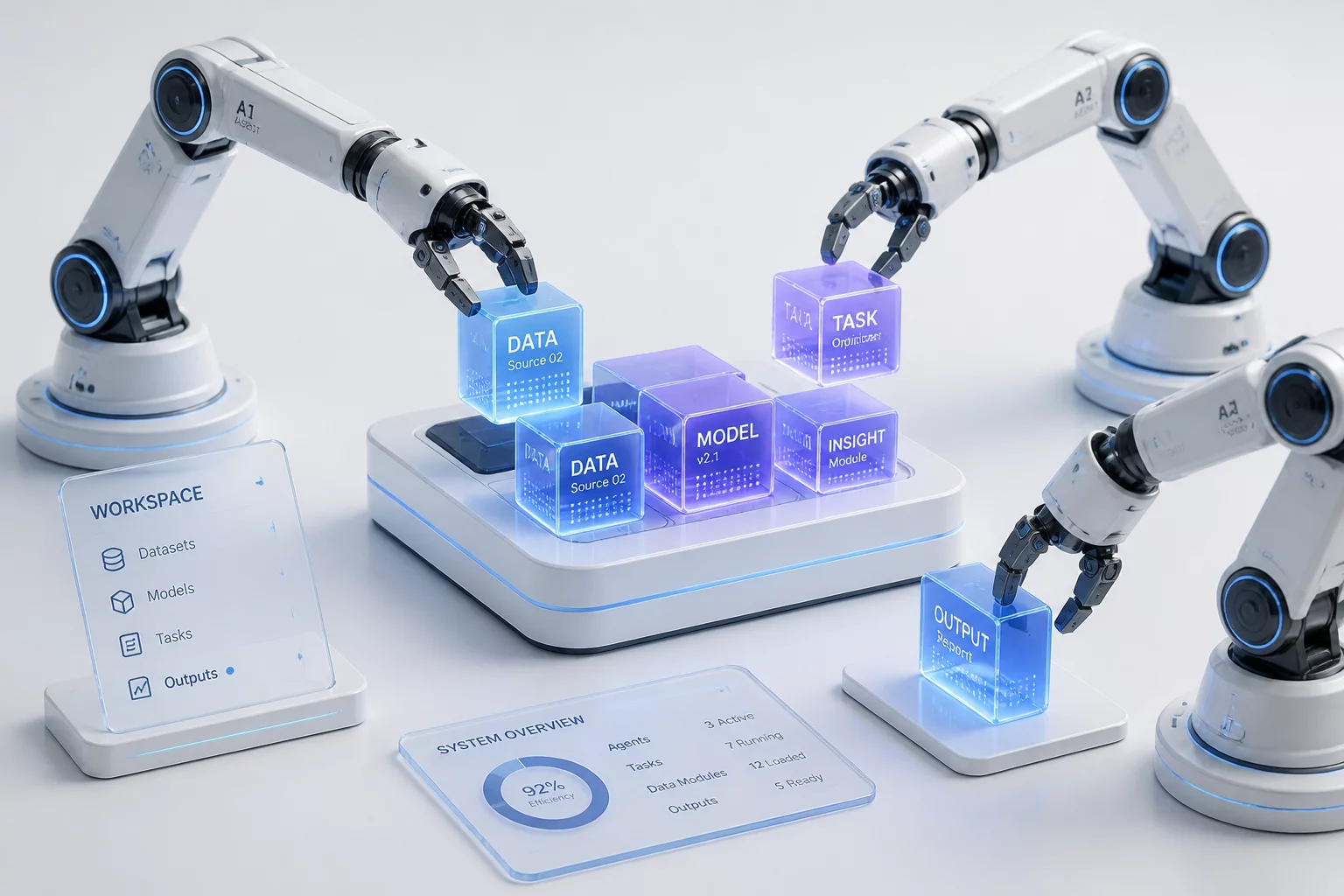
Managing context boundaries when connecting automated external agents into shared organizational workspaces and active databases.
 Security
Comprehensive review of recent protocol-level security updates and their downstream effects on persistent remote developer sessions.