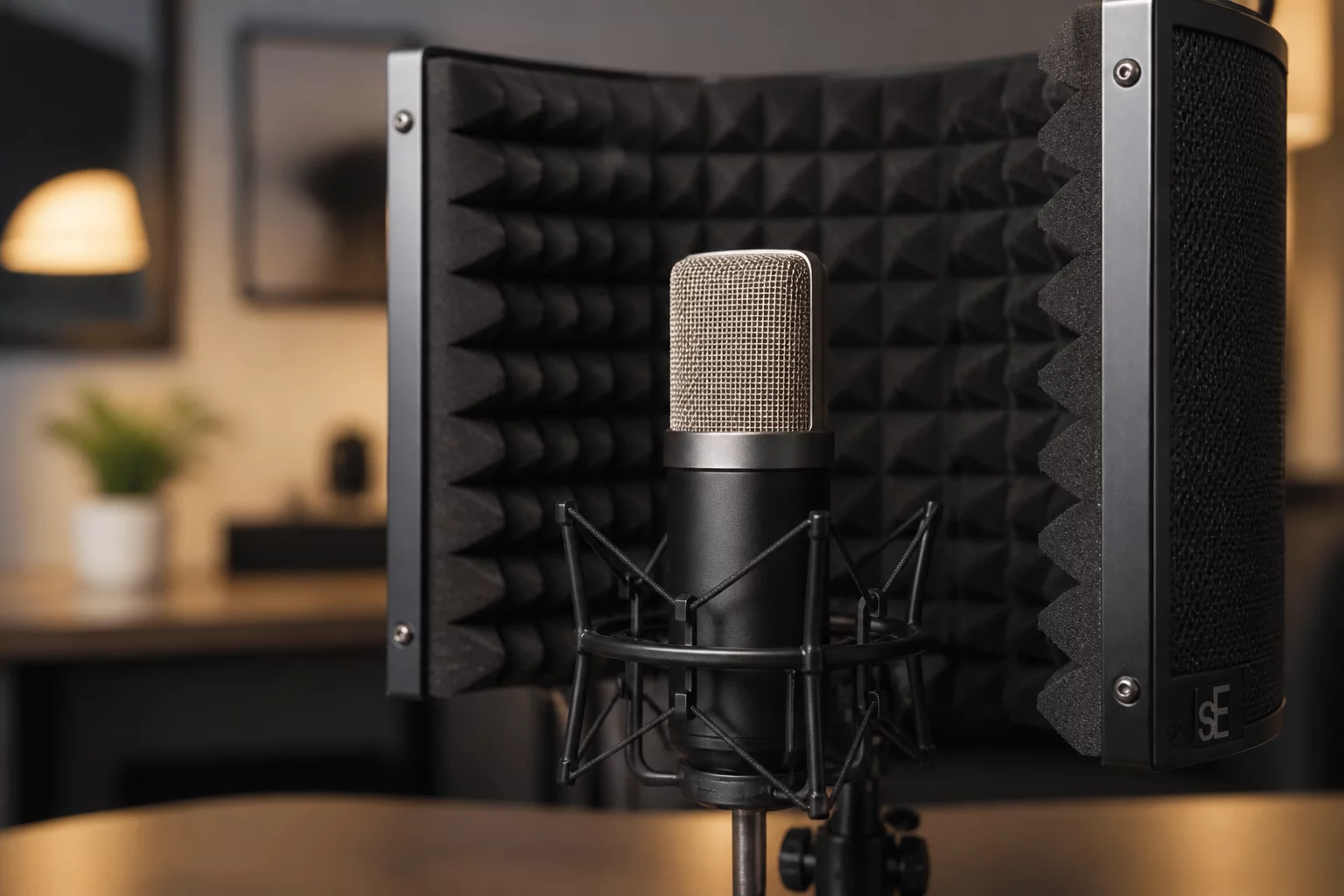
Core Isolation Principles
- Software suppression algorithms perform best when upstream hardware gain staging is calibrated to eliminate pre-amp clipping.
- Disabling automated system gain control prevents unexpected acoustic amplification during multi-client remote desktop sessions.
- Virtual audio patchbays provide dedicated input isolation between host conferencing and guest virtual machine audio streams.
Table of Contents
Four Pillars of Audio Boundary Isolation
Upstream Gain Staging
Calibrate physical preamplification levels before software processing to maintain high signal-to-noise margins without triggering harsh clipping gates.
Algorithmic Separation
Deploy specialized noise profiling models to discriminate between non-stationary vocal bursts, mechanical keystrokes, and ambient reverberations.
Virtual Stream Routing
Direct local microphone feeds into conferencing clients while isolating remote desktop audio redirection channels onto secondary sub-busses.
Buffer Latency Tuning
Balance sample block sizes to maintain real-time bi-directional vocal monitoring without incurring dropouts across high-load remote streaming threads.
Decoupling Local Microphone Feeds from Remote Virtualized Environments
Real-time audio processing in hybrid collaborative workflows introduces unique boundary challenges. When operators concurrently manage remote application streaming alongside high-fidelity voice channels in Zoom Workplace, system audio loops frequently occur. Background noise suppression algorithms can clash with remote session redirection drivers, degrading overall vocal intelligibility. Achieving pristine isolation requires treating the audio ingestion pipeline as an independent subsystem decoupled from host desktop mixer layers.
The primary failure mode in distributed audio configurations stems from competing auto-gain features across operating system levels and client software. When automated gain staging fluctuates during pauses, background reverberation swells, triggering aggressive digital gating that chops conversational syllables. By configuring a static hardware input curve and binding Zoom Workplace to dedicated exclusive audio interfaces, operators guarantee deterministic acoustic boundaries without unpredictable dynamic range compression.
Complete acoustic isolation relies on clean physical signal staging at the physical microphone boundary, leaving software algorithms to handle only subtle spectral subtraction.
— James Smith, Audio Infrastructure Specialist
Integrating auxiliary routing layers further isolates specialized application notifications from active conference bridges. Routing remote session playback through a virtual sub-mix prevents remote notification chime spillover into live meetings. This operational discipline ensures that while operators maintain situational awareness across virtual machines, meeting participants receive uninterrupted, pristine vocal feeds devoid of digital artifacting.
Virtual audio device routing is the foundation of isolation. A dedicated virtual cable between the conferencing layer and the remote session keeps application audio, voice, and system alerts on separate logical channels — so a local notification chime never bleeds into the remote meeting mix, and remote playback never feeds back through the local mic.
Echo cancellation interacts unpredictably with redirected microphones. When the local echo-cancellation engine and the remote session's processing both touch the same stream, double-processing artifacts appear as underwater vocals or rhythmic clipping. The reliable configuration assigns cancellation to exactly one layer — typically the local capture side — and disables it in the remote path.
Push-to-talk policies outperform open microphones in shared physical spaces. An operator working from a household environment cannot guarantee ambient silence, and a hot mic transmits keyboard noise, household audio, and side conversations into the remote session. Push-to-talk converts that risk into a deliberate action.
Audio ducking during remote alerts prevents the jarring overlap of meeting audio and system notifications. Configuring the local OS to attenuate media playback during active microphone use — and the remote session to respect the same rule — keeps urgent alerts audible without drowning the conversation they are interrupting.
A documented troubleshooting matrix saves real time: latency versus clarity trade-offs, per-application capture permissions, and sample-rate mismatches each produce distinct failure signatures. Teams that maintain this matrix resolve audio complaints in minutes instead of escalations.
Audio Isolation & Buffer Parameters
| Operational Parameter | Standard Context | Optimal Recommendation | Impact Factor |
|---|---|---|---|
| Noise Suppression Mode | Auto-detect Dynamic Filter | High / Original Audio Mode | High Precision |
| Audio Sample Buffer | 512 Samples (11.6ms) | 256 Samples (5.8ms) | Low Latency |
| Mic Auto-Gain Control | Enabled (System Dynamic) | Disabled (Fixed Calibration) | Dynamic Stability |
| Channel Isolation Routing | Shared OS Audio Stack | Dedicated Virtual Bus (WASAPI / CoreAudio) | Zero Crosstalk |
Discussion & Insights
Leave a Methodological Observation