Key Methodological Takeaways
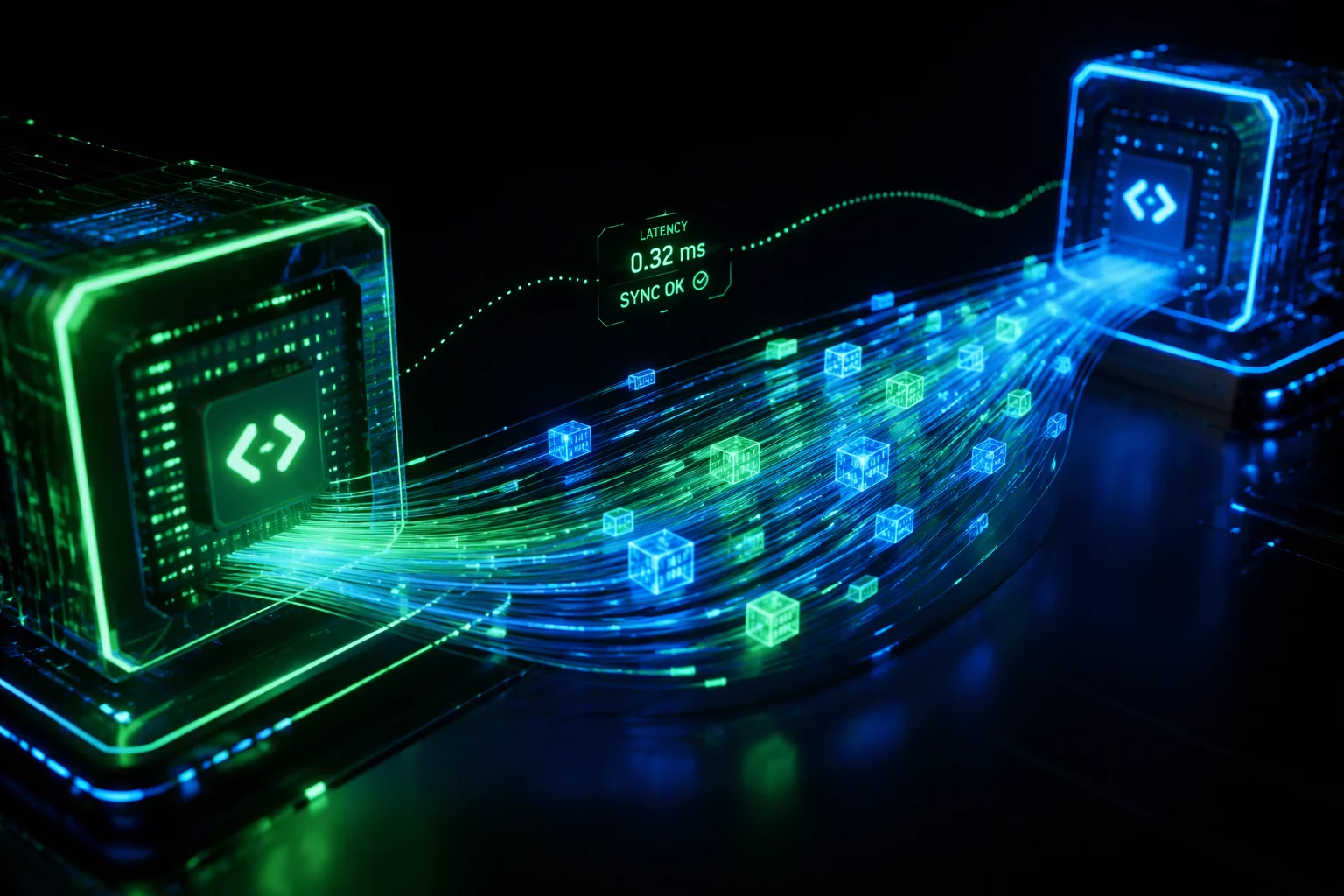
- Input prediction engines reduce perceived pointer latency by decoupling client-side cursor movement from host-rendered frame updates.
- Network jitter impacts interaction continuity more severely than steady round-trip delay, requiring dynamic buffer pacing.
- Balancing frame rate limits and hardware accelerated encoding stabilizes packet pipelines across constrained uplinks.
Table of Contents
Latency Control and Buffer Mechanics
Packet Pacing
Stabilizes the transmission rate of HID events across variable network paths to prevent buffer congestion.
Frame Interpolation
Smoothes visual response curves when client refresh rates desynchronize from host video pipelines.
Jitter Shielding
Absorbs micro-bursts in transmission times without introducing unbounded queue lag into interactive streams.
Event Multiplexing
Consolidates high-frequency peripheral telemetry with display render cycles to minimize protocol overhead.
Input Path Tuning Checklist
Field Verification Checklist
- Establish the latency budget first: sum capture, encode, transit, decode, and display times before optimizing any single stage.
- Lock frame pacing to the display refresh on the client side; mismatched cadence produces the micro-stutter users report as "lag".
- Raise input polling rates for precision work — a 125 Hz pointer feels disconnected under sub-frame rendering pipelines.
- Validate under loss, not just bandwidth: a clean fast link hides the jitter buffers that degrade exactly when the network degrades.
Harmonizing Local Input Telemetry with Remote Frame Pipelines
Operating within high-throughput remote access environments requires continuous reconciliation between local human input devices and remote rendering surfaces. When a mechanical keystroke or high-precision pointer displacement takes place on the client machine, that action undergoes sampling, packetization, and network transmission before the remote operating system registers the change.
Modern remote work protocols implement client-side cursor caching and synthetic interpolation to overcome natural network gaps. Instead of waiting for a round-trip frame acknowledgement to move the pointer on screen, the client runtime updates local cursor positions immediately while dispatching delta vectors asynchronously to the target host. When jitter occurs on the physical link, adaptive packet pacing regulates transmission frequencies to prevent queuing collapses.
Perceived latency is not purely a measure of network transit time; it is the compounding friction of capture, queuing, encoding, and display presentation.
— Michael Ross, Lead Systems Architect
For fine-grained tasks such as precision interface modeling, timeline editing, or multi-window context switching, setting frame buffers to single-frame depths prevents input lag buildup. Adjusting downstream bitrates to reserve dedicated upstream headroom ensures that peripheral telemetry arrives without delay, keeping the local workspace responsive.
Input & Network Performance Specifications
| Operational Parameter | Standard Context | Optimal Recommendation | Impact Factor |
|---|---|---|---|
| Round-Trip Time (RTT) | 60 ms – 120 ms | < 35 ms Direct Path | Critical |
| Polling Frequency | 125 Hz Standard | 250 Hz – 500 Hz Paced | High |
| Frame Buffer Depth | 2 – 3 Queued Frames | Zero/1 Frame Ultra-Low | Medium |
| Jitter Tolerance | Up to 25 ms Drift | < 5 ms Variance | High |
Discussion & Insights
Kelly S.
09/11/2026Latency is the worst, good tips.
Leave a Methodological Observation