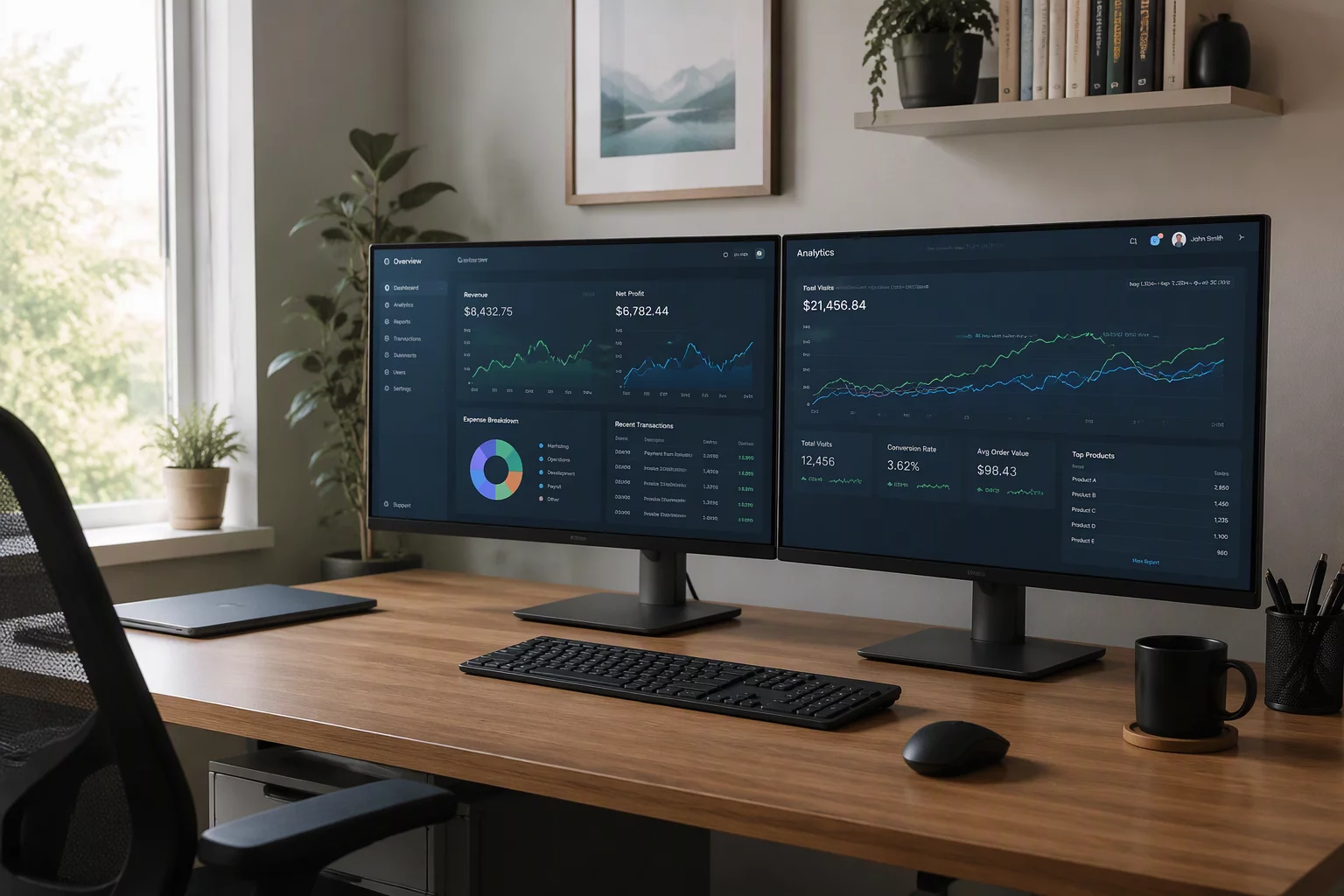
Architectural Principles
- Match virtual aspect ratios and DPI scaling between endpoints to avoid cursor distortion across borders.
- Allocate dedicated stream bandwidth dynamically between primary focus screens and secondary telemetry displays.
- Separate local operational tools from full-screen remote canvas monitors to preserve context boundaries.
Table of Contents
Dual Display Configuration Matrix
1-to-1 Physical Mapping
Projects remote host displays directly onto matching local monitors with zero pixel interpolation or window confinement.
Virtual Viewport Switching
Toggles instant full-screen views of remote displays on a single physical panel via hardware hotkeys.
Resolution Isolation
Prevents host scaling anomalies by decoupling the client monitor EDID handshake from remote render buffers.
Frame Synchronization
Balances refresh rates across both active video pipelines, reducing tearing during complex multi-app multitasking.
Two Ways to Map the Canvas
Mirrored Canvas
Each local display presents a slice of the remote desktop at matched scale. Simple and predictable, but wastes resolution when local and remote display counts differ.
Extended Virtual Canvas
The remote host treats local displays as independent virtual monitors with their own workspaces. More setup cost, but preserves window placement and per-display context across reconnects.
Navigating Multi-Monitor Bandwidth and Spatial Drift
Operating two continuous display feeds across a network link introduces a dual challenge: pixel pipeline congestion and spatial disorientation. When operators run high-refresh workloads across dual 4K or 1440p displays, the encoding engine must serialize two independent display streams. Without proper pipeline management, cursor transitions between monitors suffer micro-stutters that degrade motor precision and focus.
The key methodology lies in asymmetric prioritization. Engineers and knowledge workers rarely demand 60 frames per second across both screens simultaneously. Assigning adaptive framerates—where the active window host receives prioritized bitrate while the static reference monitor drops into low-frequency delta updates—reduces outbound network pressure by up to forty percent without any perceived visual latency.
Multi-monitor remote work succeeds only when display boundaries mirror physical intuition rather than emulating arbitrary virtual desktop arrangements.
— Michael Ross, Remote Workflow Specialist
Spatial orientation also demands strict boundary discipline. When local system taskbars overlap with remote session borders, accidental window misplacements occur. Establishing clear perimeter margins and dedicating one physical screen exclusively to the remote target maintains uninterrupted mental focus throughout long working blocks.
Dual Display Performance Benchmarks
| Operational Parameter | Standard Context | Optimal Recommendation | Impact Factor |
|---|---|---|---|
| Stream Encoding Mode | Single Unified Canvas | Dual Independent H.264/H.265 Streams | Critical |
| Baseline Bandwidth Overhead | 8–12 Mbps | 18–25 Mbps (Dynamic Delta) | High |
| Cursor Transition Latency | 45–60 ms | < 18 ms Hardware Direct | Medium |
| DPI Scaling Drift | Dynamic Host Interpolation | Fixed 100% Native Client Matching | High |
Discussion & Insights
Chris P.
09/26/2026Dual displays are essential for me. Mapping physical screens 1:1 made remote CAD and code review seamless.
Leave a Methodological Observation