Architectural Takeaways
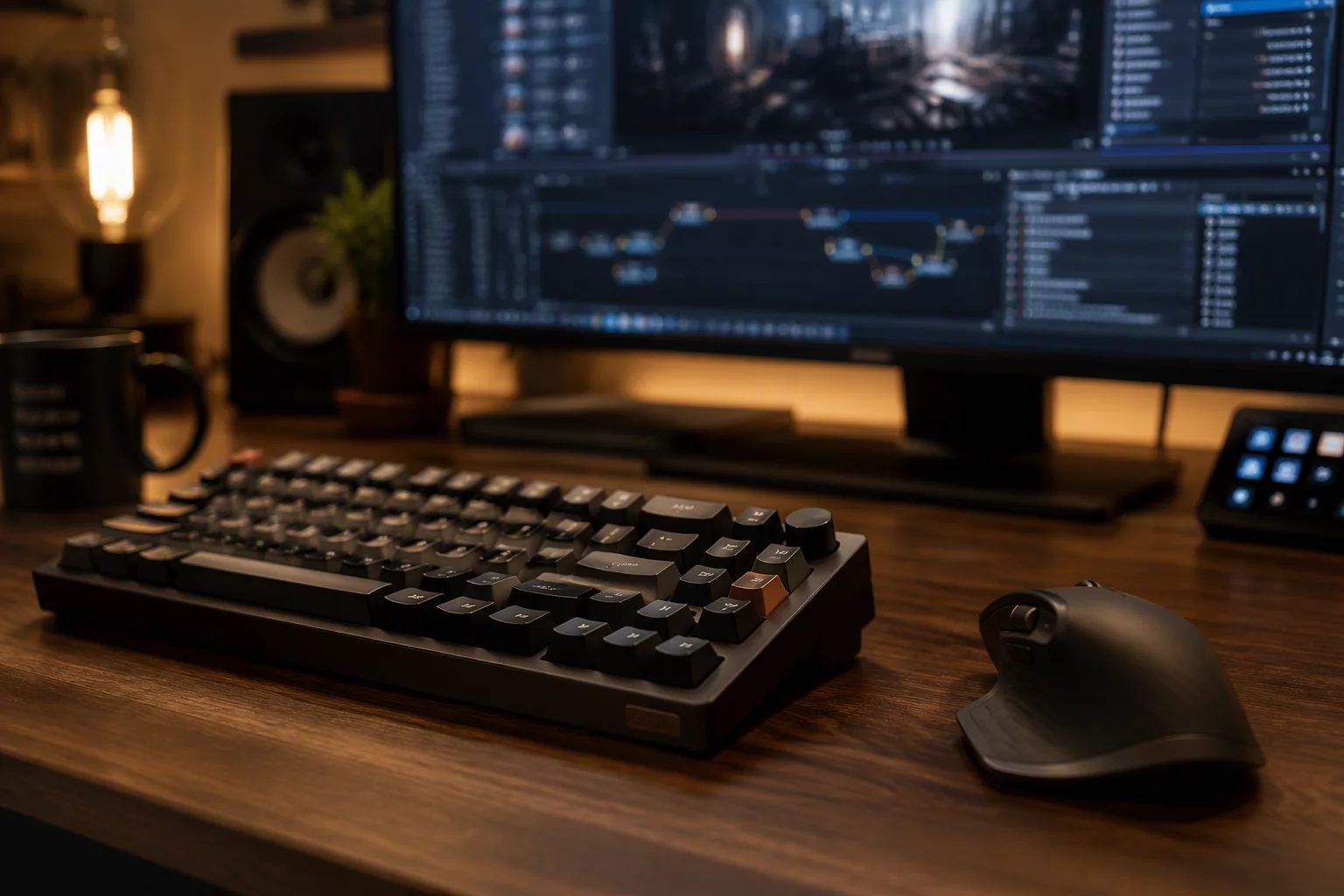
- High-polling mice and keyboards require intelligent protocol throttling or raw input capture to avoid saturating network channels.
- Audio and USB redirection create split-context zones where local host latency and remote processing buffers must be calibrated independently.
- Hardware security boundaries must isolate local authentication tokens and biometric scanners from remote privilege escalation.
Table of Contents
Core Peripheral Integration Vectors
USB Subsystem Redirection
Direct device passthrough routes block-level USB requests into the remote virtual bus, giving host applications direct hardware access.
Human Interface Devices (HID)
Keyboard stroke buffering and cursor interpolation decouple local pointer responsiveness from high-latency remote rendering pipelines.
Boundary Hardware Isolation
Local security keys, webcams, and biometric authenticators stay locked to the client operating system preventing unintended remote snooping.
Audio & Stream Synchronization
Bi-directional audio redirection uses dedicated low-latency RTP streams to avoid phase drift between video frames and headset output.
Peripheral Trust Tiers
Not every peripheral deserves the same boundary treatment. A practical mapping sorts devices into three tiers: passthrough devices that the remote host must own completely (dongles, specialized instruments), emulated devices that translate fine at the HID level (keyboards, mice), and isolated devices that should never cross at all (biometric scanners, hardware keys, personal audio).
The tier assignment should happen before the first session, not after the first incident. A device that defaults to passthrough because the software made it easy is a boundary decision made by the vendor, not by the operator.
Peripheral Session Checklist
Field Verification Checklist
- Enumerate every attached device before connecting and assign each to a passthrough, emulated, or isolated tier.
- Verify biometric and authentication hardware stays bound to the local OS even when the remote session requests it.
- Test pointer acceleration and scroll curves in the remote environment — mismatched curves are the top cause of precision fatigue.
- Confirm audio input separation so the local headset never contends with remote media playback streams.
Navigating the Physical-to-Virtual Hardware Gap
Operating across remote access software introduces a cognitive dissonance when physical desktop accessories interact with virtualized or headless host systems. Modern remote workflows demand that keyboards, precision pointing devices, drawing tablets, and local capture devices behave as if physically tethered to the remote workstation. Achieving this transparency requires a clear delineation between intercepted local events and full USB bus virtualization.
Direct hardware passthrough offers raw compatibility for specialized engineering tools and security dongles, but it demands substantial bandwidth and increases round-trip sensitivity. Conversely, high-level HID abstraction translates local Windows or macOS input events into synthetic protocol messages. In practice, Splashtop remote workflow implementations blend both techniques, dynamically filtering mundane mouse events while tunneling complex multi-touch and pressure data over dedicated synchronization channels.
When peripheral boundaries blur, input latency feels doubled; real ergonomics depend on isolating local physical feedback from the remote execution loop.
— David Chen, Systems Architecture Specialist
Peripheral configuration requires thoughtful planning for hybrid workspaces. Audio inputs must be separated so local communication apps like VoIP headsets do not contend with remote media streams during active file transfer operations. Likewise, when working across multi monitor remote work setups, precision digitizers and mice must map their physical acceleration curves to the combined viewport without causing erratic boundary skipping.
Technical Specifications & Performance Benchmarks
| Operational Parameter | Standard Context | Optimal Recommendation | Impact Factor |
|---|---|---|---|
| HID Event Polling Rate | 125 Hz - 250 Hz (Throttled) | 500 Hz (Raw / Interpolated) | Smooth Tracking |
| Bi-directional Audio Buffer | 120 ms jitter buffer | 35 ms - 45 ms adaptive | Voice Sync |
| High-Precision Digitizer Tunnel | Emulated Mouse Pointer | Native Stylus Protocol (Pen Pressure) | Creative Precision |
| FIDO2 / Smart Card Redirection | Emulated virtual token | Local authentication passthrough | High Security |
Discussion & Insights
Tom H.
09/29/2026Peripherals always confused me, thanks!
Leave a Methodological Observation