Core Protocol Guidelines
- Segregate raw plain text from rich RTF and binary payloads to eliminate remote parsing stalls and memory leaks.
- Implement unidirectional clipboard boundaries when interacting with high-security remote production clusters.
- Maintain strict buffer awareness during rapid context shifts to prevent accidental overwrite of local clipboard stacks.
Table of Contents
Architecture of Cross-Environment Buffers
Network Tunneling
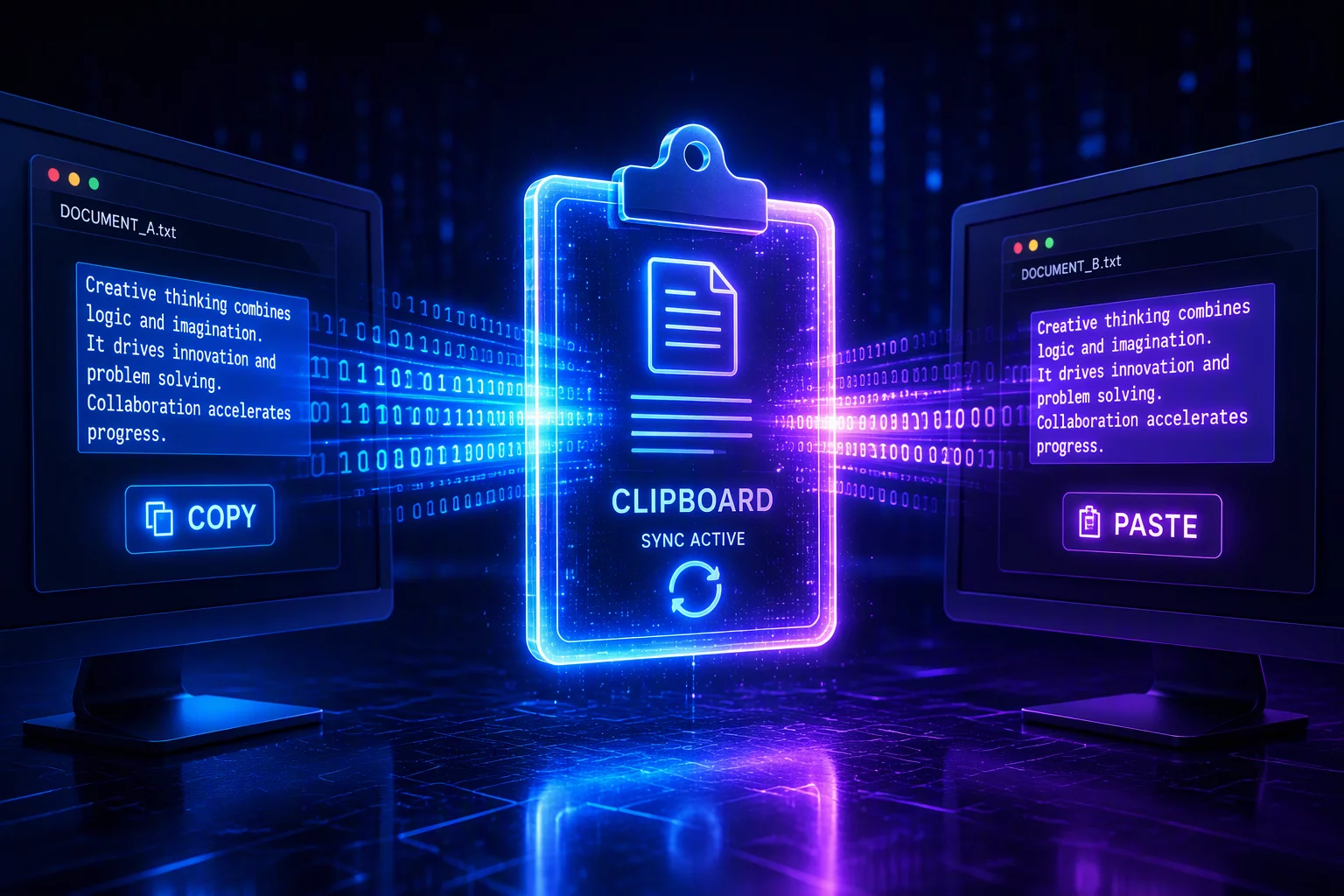
Data streams serialize clipboard events over encrypted virtual channels alongside keyboard and mouse input.
Format Negotiation
Client and remote host negotiate compatible MIME types before payload transmission to avoid memory stalls.
Boundary Isolation
Configurable unidirectional locks prevent sensitive credentials from leaking into remote guest environments.
State Reconciliation
Asynchronous timestamp tracking ensures the most recent copy event takes precedence without race conditions.
Where Clipboard Sync Breaks Down
Uncontrolled Paste Bleed
Bidirectional sync lets a confidential remote buffer overwrite local clipboard contents — or worse, carry credentials out of the controlled environment in a single paste.
Rich Format Collapse
Cross-boundary transfers silently flatten formatted content: embedded objects, styled tables, and styled code arrive as plain text unless the channel negotiates full MIME-type fidelity.
Synchronization Loops
Clipboard monitors on both ends can fight each other, re-capturing every change and flooding the channel with redundant buffer updates during active editing.
The Clipboard as a Boundary Object
No element of the working context crosses the local–remote boundary as casually as the clipboard. A single Ctrl+C silently moves data between trust domains, which is exactly why clipboard policy deserves the same deliberate mapping as file transfer or display routing.
The practical rule: decide the directionality first. Unidirectional remote-to-local sync covers most legitimate workflows, while local-to-remote paste should be treated as a deliberate, auditable action — not an ambient convenience.
Managing State and Payload Integrity Across Isolated Sessions
Working across separate machines creates a deceptive illusion of a single workspace. While dual monitors and responsive streaming make the remote desktop look local, the system clipboard remains one of the most fragile operational boundaries. Every copy operation generates an event that must be captured by the client agent, serialized into the active session channel, transmitted over network sockets, and synthesized inside the remote operating system. When network latency fluctuates or payloads exceed typical text snippets, this seamless bridge easily stumbles.
Complex data formats like formatted HTML, embedded images, and multi-cell spreadsheet data multiply clipboard payload sizes significantly. Transferring an unformatted line of code requires less than a kilobyte, whereas copying a formatted table with embedded markup can expand into hundreds of kilobytes. Without intelligent filtering, the synchronization pipe blocks other input events, causing perceptible cursor stutter and delayed keystrokes. Practitioners should enforce plain-text stripping where rich formatting offers no functional value.
Treat the shared clipboard not as a continuous memory bus, but as an intentional messaging pipe between two sovereign operating systems.
— Sarah Jenkins, Remote Systems Architect
Security considerations demand equal attention. When connecting to untrusted or external environments, universal bidirectional clipboard synchronization represents a silent data exfiltration risk. Restricting clipboard movement to client-to-host only or enabling explicit confirmation dialogs for large binary payloads prevents accidental paste operations and protects sensitive local tokens from being exposed to remote logging processes.
Clipboard Transmission Benchmarks
| Operational Parameter | Standard Context | Optimal Recommendation | Impact Factor |
|---|---|---|---|
| Plain Text (UTF-8) | < 50 KB / Instant | Strip formatting on copy | Low Latency |
| Rich Text & HTML | 50 KB – 5 MB | Convert to Markdown/Text | Medium Overhead |
| Bitmap / Screen Snips | 2 MB – 25 MB | Use native file transfer | High Impact |
| Directional Policy | Bidirectional (Default) | Host-restricted or gated | Critical Security |
Discussion & Insights
Leave a Methodological Observation