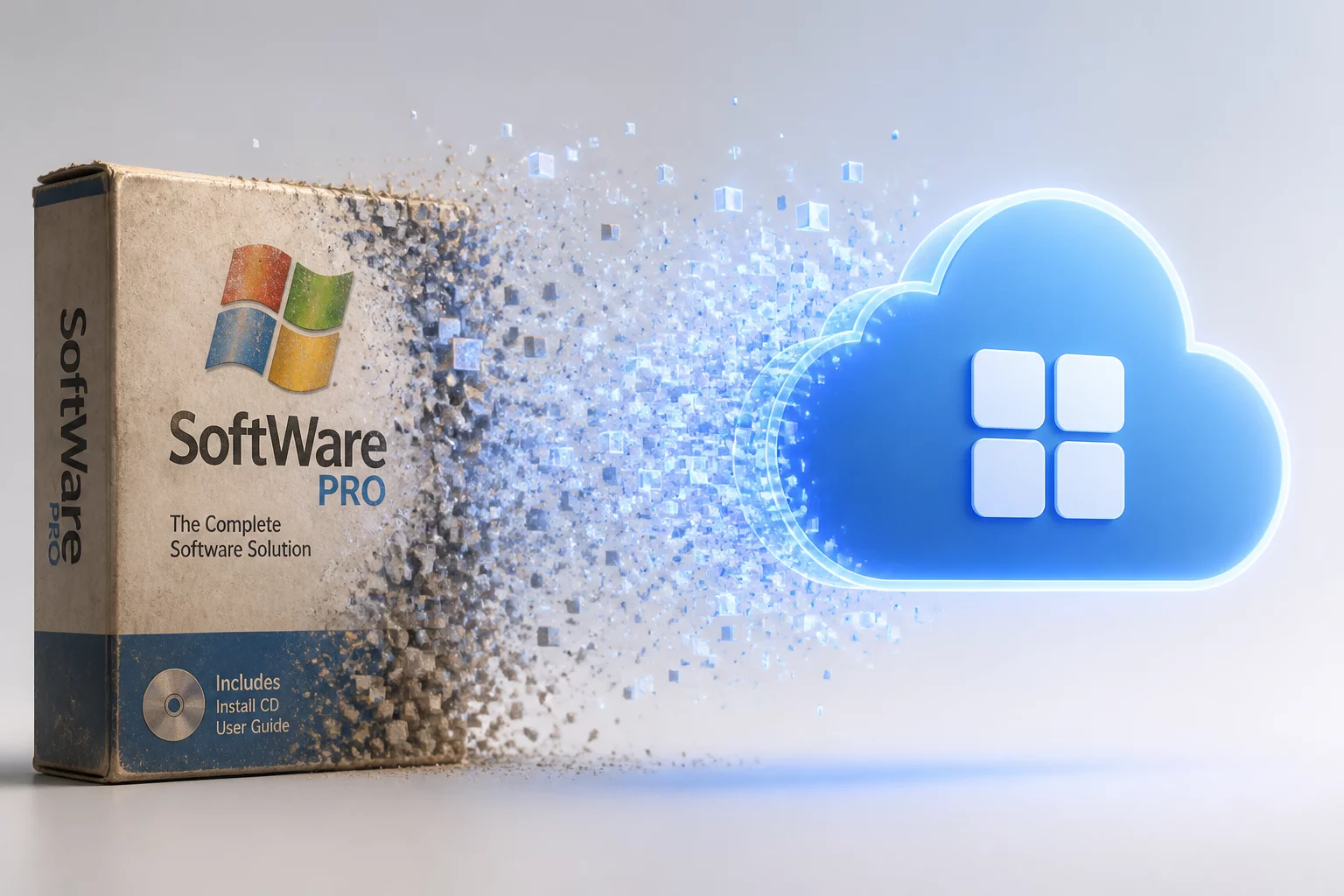
Strategic Transition Key Points
- Unified endpoint deployment eliminates fragmented MSI client management while establishing standardized sandbox boundaries.
- Profile persistence mechanisms transition from direct registry hives to isolated app data containers without session disruption.
- Hardware acceleration pipelines and multi-display mappings gain native composition support across modern remote host connections.
Table of Contents
Four Pillars of Client Modernization
Package Isolation
Modular deployment architecture isolates core binaries from OS runtime dependencies, reducing legacy registry bloat and deployment failures.
Display Pipeline
Unified rendering stack optimizes multi-monitor workflows with direct DWM integration and dynamic DPI recalculation during sessions.
Credential Boundaries
Token-based modern authentication supersedes static machine-level credential caches, enhancing local security posture.
State Synchronization
Cloud-synchronized application states maintain peripheral and audio routing policies across roaming workstations without manual reconfiguration.
Decoupling Endpoints from Legacy Package Constraints
For over a decade, system administrators and distributed power users relied on traditional MSI package installers to deploy remote access clients across workstation fleets. While functional, MSI architectures embedded system-wide dependencies, hook DLLs, and deep registry keys that frequently clashed with progressive OS updates and rapid patching cycles. Transitioning to the Windows App model replaces rigid installation boundaries with an agile, containerized client lifecycle. This paradigm shift significantly refines how client hosts negotiate session states, display scaling, and peripheral redirection across mixed hybrid environments.
Within daily operations, remote practitioners immediately notice distinct rendering improvements. Legacy MSI endpoints often struggled with asymmetric DPI configurations across dual displays, resulting in blurred font rendering or erratic cursor tracking when dragging windows across monitor seams. The Windows App runtime natively interfaces with Windows Graphics Capture and modern display managers, eliminating synthetic coordinate scaling. Whether manipulating CAD blueprints or conducting fine timeline edits in high-throughput video pipelines, input synchronization latency drops appreciably.
Modernizing the remote client package is less about the installer format and entirely about deterministic session boundaries and seamless display scaling across complex multi-monitor workspaces.
— James Smith, Remote Systems Architecture Lead
Furthermore, the administrative transition streamlines fleet updates. Instead of orchestrating disruptive off-hours MSI re-installs or managing fractured version parity across branch offices, the Windows App container receives progressive incremental payloads. Critical fixes for display compositors or session persistence drivers apply gracefully in the background, ensuring remote workers maintain uninterruptible operational momentum throughout demanding workdays.
Migration sequencing matters more than the installer choice itself. Teams that stage the transition by department rather than device count report fewer boundary failures, because peripheral redirection defaults and sign-in persistence can be validated on a small cohort before broad deployment. A post-install audit should confirm that legacy MSI remnants — orphaned service entries, stale protocol handlers, and cached connection profiles — no longer compete with the new client for session ownership.
Client Architecture Comparison Matrix
| Operational Parameter | Standard Context | Optimal Recommendation | Impact Factor |
|---|---|---|---|
| Runtime Deployment Model | Machine-wide MSI package with system hooks | Isolated user-space container runtime | High Security |
| Multi-Monitor DPI Adaptation | Static DPI interpolation (per-session lock) | Dynamic per-monitor DPI re-negotiation | Optimal UX |
| Credential Vault Handling | Local DPAPI / Credential Manager entries | Modern Identity Token Isolation | Zero Trust |
| Update Delivery Mechanism | Monolithic scheduled reinstall packages | Differential background hot-patching | Zero Downtime |
Discussion & Insights
Leave a Methodological Observation